Wednesday, January 15, 2014

If you can undo it, don't bother me.

Yesterday I had a discussion with an usability expert about a web interface.
The interface we were discussing was a dashboard control panel. You could delete some things. And every time you wanted to delete one of those thing, the interface would ask you something like "Are you sure?".

The root so so much evil.

We're all been there once: We click the "Delete" button on some program, and just a fraction of a second after we confimed that annyoing "Are you sure?" question, we realized, that we actually wanted to keep it. We blame yourself for being so stupid or get a nervous breakdown because we just deleted the presentation we worked on for the last three weeks.

But we should not blame ourselves. It's not our fault, it's our software's fault. The software does not respect human nature. Humans are built to learn, to adept. Therefore we develop habits. We can't do anything about it. That's how we are.
Every time we do something repeatedly, we learn. In some cases, we learn to that point, until we don't think about it anymore. This is actually a good thing: Because of this behavior we can be more aware to the new stuff happening around us. This becomes a problem when software expects us to mindfully reflect each thing we do. After clicking 1000 times "Yes", (because in most cases, we indeed are sure, that we want to do this shit.), we don't think about it anymore. Hence someday, almost for sure, we will make an error by clicking "Yes", although we actually meant "Hell, NO!"

The average user's reaction after deleting something accidentaly 

What should you do instead?

Offer a undo mechanism. If a user clicks on that delete button, delete that selected item. But make it recoverable. Instead of asking every time whether the user is sure, just do it and offer a possibility to recover from that one time he mistakenly clicked on that button.

I guess the most know example to this might be Google Mail. I heard, Jolla Phones do that. And it's just great. In most cases, offering an undo mechanism will make you app faster to use and hence more fun. And most importantly, it will reduce the errors users make dramatically.

That's how you do it.

So what are the rules?

Your users' data is sacred.

Know that each user interface shapes habits. You cannot avoid that users create habits.Create a user interface, that makes each error recoverable. So for every error you can foresee: Make it recoverable.

Your users' attention is sacred

Don't annoy the user with the same dialogs over and over again. And make the the dialogs as unobstrusive as possible.

Your users' time is sacred

Don't make the user type or click anything more than absolutely necessary. Confirming the action he's doing is not necessary if you can provide an undo. So don't waste you users' time by making him click.

Tuesday, December 31, 2013

A Year with Daily Challenges

Inspired by Leo Babauta's "A Year of Living Without", I decided to create a challenge for myself.
Some of Leo's great challenges are just not really applicable for me: Not using the Internet for half a day would bring me in serious job problems. That's not what I want to happen. I want to try new things out, leave things out, get out of my comfort zone (at least a little bit). The worst thing that could happen, that I learn nothing new. The best thing that could happen, is that I change the way I live my everyday life. And I believe, it will make fun. At least in hindsight.


January

No calories after 5:30pm. And no eating after 5:30pm. I tried this from time to time, but failed regularly. This month shall be different. Instead of eating or drink sweetened stuff, I will drink water or unsweetened tea.

February

This month I will drink at least two liters of fresh water each day. This might become hard. But it could be worth it.

March

No alcolhol. I drink not that much. At least I think I don't. In a typical month perhaps six 0.5-liters of cola-beers and one bottle of wine. That month it will be zero.

April

Either working out for at least 30 minutes or being outside for one hour. I have no idea how to make it work. This is one of the most challenging items on this so far to me. The tricky part will be no to cheat on the workout, but to really work out.

May

No coffein. No coffee. No Latte. No Cappuchino. No Cola. I will replace it with apple juice, water and tea.

June

All distances less than 3 km must be done by foot or bike. This will mean to go shopping by foot or bike. Heck, almost everything I can do in my town, I have to do by foot or bike. Exceptions are allowed only if it's too heavy to transport by bike or foot.

July

No video entertainment. I will not watch any movie or play a video game. Not on my computer and not on my phone. Instead, I will read. Or talk to my wife. Or play boards games. (I have severeal board games, which are challenging playing single, in case no one has time to play with me.). July is a great month for not sitting inside and watching TV or movies.

August

Waking up before 5:00am. This one will mean, that I have to go to bed early. It will be challenging, but surely the most fun. August is the month I look forward most, because of this.

September

Maximum half hour usage of private internet a day. As a programmer, I rely on information gathered from the internet very heavily. You always run into some problems, you cannot solve by yourself. It's not about this kind of internet usage. It's about checking your private emails, it's about surfing amazon and updating your wishlist. It's about the sunken time on reddit. I will replace it with time for family and reading book. I got the feeling, I will read more book this year than in the ten years before.

October

At least one hour of quality time with my kids. And by quality time I mean playing, reading and taking a walk with my kids. In my normal life, I seldom take the time to really enjoy life with those loved ones. (That's a shame actually!). And when I take the time, I'm often distracted by other things I want to accomplish: Books and internet articles to read, phone calls to make, things to cook, stuff to clean up -- you name it. This month will be different.

November

Write a blog post something every day. I have no clue how to accomplish this without writing extremely boring stuff like "Today I ate a banana.". <irony>Photos may be helpful.</irony>

December

No Smartphone usage. I am way too fearsome to go completely mobile-less like Leo. But I will use my wife's feature phone this month. It will rely on pen and paper for notes, contact and calendar updates. Yes, most feature phones have a calendar and contacts, but I hate using them. GTD with no smartphone will also be hard. But I will figure it out. I will replace this habit with being alive and watching all the other people whose attentions are drawn to that little device.


2014? Let's bring it on!

Friday, September 20, 2013

Google on the way to minimalism

I just was surprised by the redesign of the the Google Pages. I'm just enjoying that they realised, that a single, long black row above all might not be the best for screens with an 16:9 ratio, where vertical space is crucial.

So they moved the top bar into a small button on the right side. I like it. Period.
But I already see the downside of this approach: If you wanted to use some rarely used searches, e.g. Videos, you'll need twice as much clicks to reach it: four instead of two. Google might reconsider it.

Need some whitespace?


Tuesday, July 16, 2013

Why I Switched to US Keyboard Layout / Using an US Keyboard Layout in Germany

As a German guy, some of my colleagues are constantly annoyed by the fact that I use the US keyboard layout instead of the German one. Even on a actually German keyboard (keys labelled the QWERTZ way). So I decided to explain why I use the US keyboard when I type.

The first glance on a real-life US keyboard, in 2006, showed me that it would be way better for programming. Like an epiphany it hit me, that some weird, arbitrary decisions like { , }  for blocks, or like [ and ] for arrays, which were really annoying to type on a German keyboard were a piece of cake on an US keyboard.

2005 I had to type some seminar stuff at college in LaTeX. After some pages, filled with backslashes, opening and closing braces, and some few square brackets my right hand hurt. Pressing Alt Gr + 7 or Alt Gr + 0 all day long was too much for me. I hated LaTeX. I don't remember I had some troublesome experience in 2007, when I wrote my diploma thesis in LaTeX.

I would recommend every programmer to use the US keyboard layout. It's so much easier to type stuff like var a = function () { return [1, 2, 3]; };. Or stuff like @twitter, just because you don't need the crappy Alt Gr.

I think you might ask yourself: Well, but how do you handle the umlaut problem? On your favorite keyboard layout, you don't have ä, Ü or even the nice ß, my dear Lorenz.

I have three solutions for you:

The first one is to configure your system that way, so that you switch with a shortcut anytime between US and German keyboard layout.

  • Advantages: You always have both keyboard layout anytime you want. You can switch any time you want.
  • Disadvantages: You will make tons of "mode" errors. You will type y instead of z, * instead of ( very often. It will annoy you. It annoyed me. But still better than Alt Gr + 7
The second one is to learn the codes for the umlauts. In Windows, you can write ü by typing Alt + 321. I think you get the idea.
  • Advantages: Once you know, it's really fast. Mode error are excluded.
  • Disadvantages: You have to learn them.
The third one I found about today: On a Windows system, you can install this pretty neat tool from Microsoft: The Microsoft Keyboard Layout Generator.  Load the US keyboard layout, modify it the way you want, so you can insert the umlauts the way you like. Give it a try.

  • Advantages: No learning. No modes.
  • Disadvantages: Works only in Windows.

Try it for yourself.

Thursday, July 11, 2013

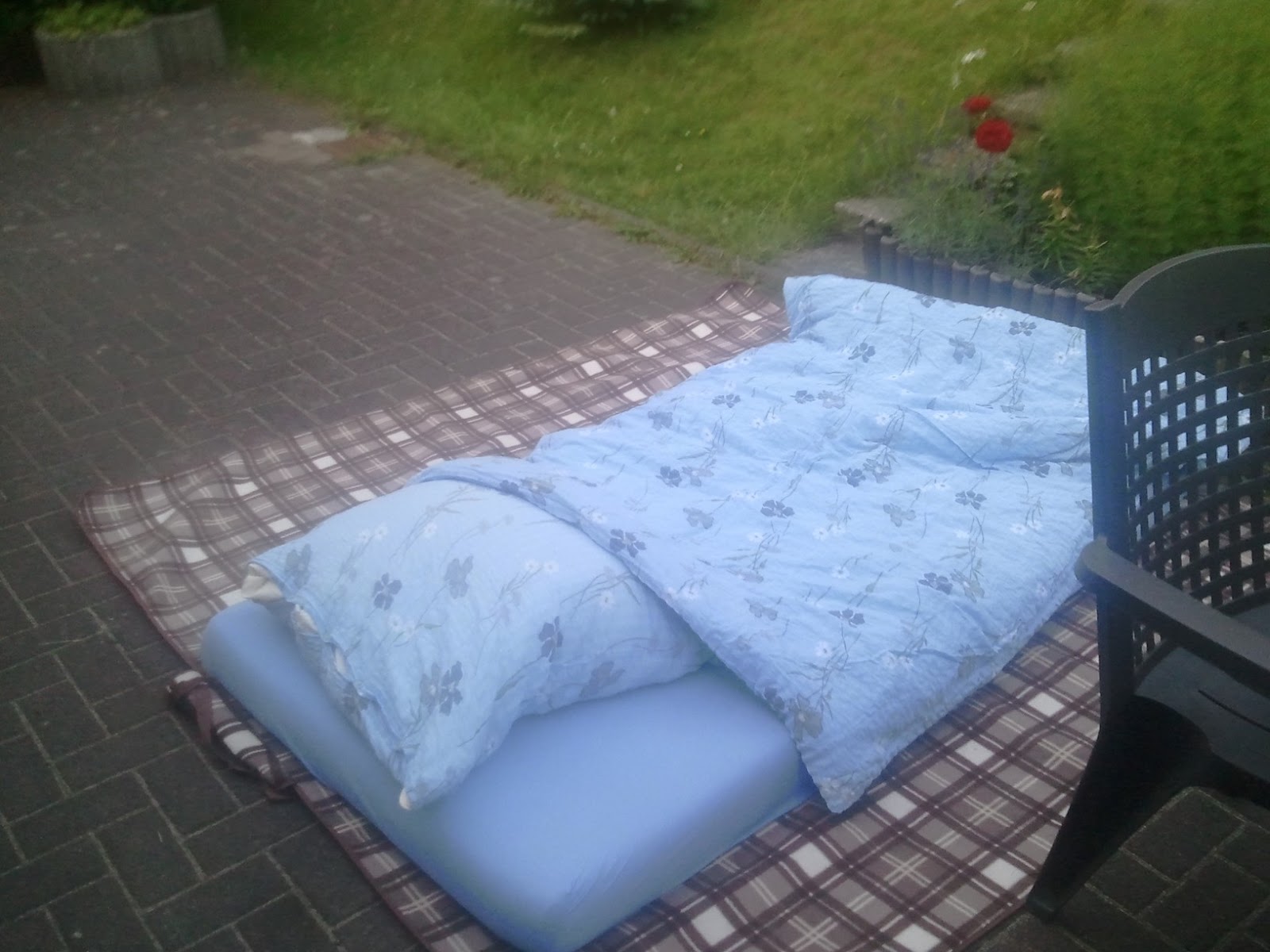
This was my bed


This was my bed for the last three nights. If I can't hike the Rothaarsteig, I will sleep outside, though.

I guess, some people might think that this is silly. I don't care. I do what my heart tells me to do. And the last nights it was to sleep under the stars. And to be waken by the sun.

Monday, April 29, 2013

Ultra Clean Update

I've added some radio-like buttons to my "Ultra Clean" experiment. I did not decide, whther I should implement some behaviour, or just leave it as a design-study. Anyway, here is the current screen.


Monday, April 8, 2013

Some Buttons

Today, on the train, I was tired, bored, had no internet access and was not motivated to read anything. So I coded something I wanted to try long time ago:

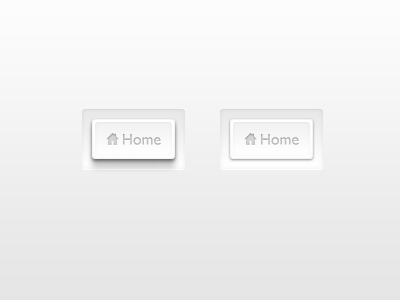
To put this great UI photoshop comp (as seen on Dribbble) into HTML:

clean design *sight*
After hitting the Starbucks in Cologne, I had some Internet, so I could verify that my memory of this design was right and after finding the last missing tutorial (I needed it for that inner shadow on the text), i finally came up with this:


Link: http://loie.de/ultraclean/

Tradeoff: This currently works only in Webkit, due to the inner shadow of the text.

Feel free to grab the code.